Notes and your journal
The Notes tab on your character sheet has two sections.
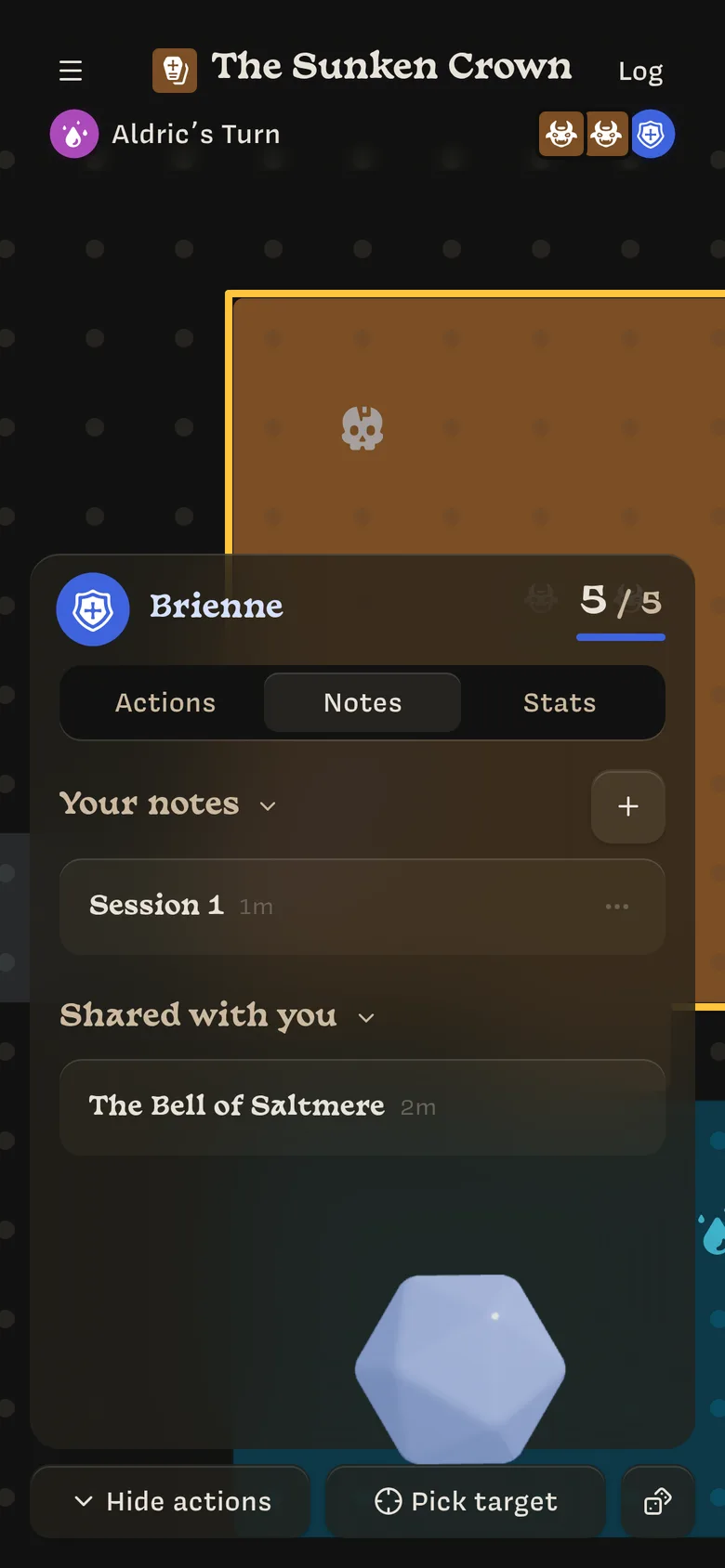
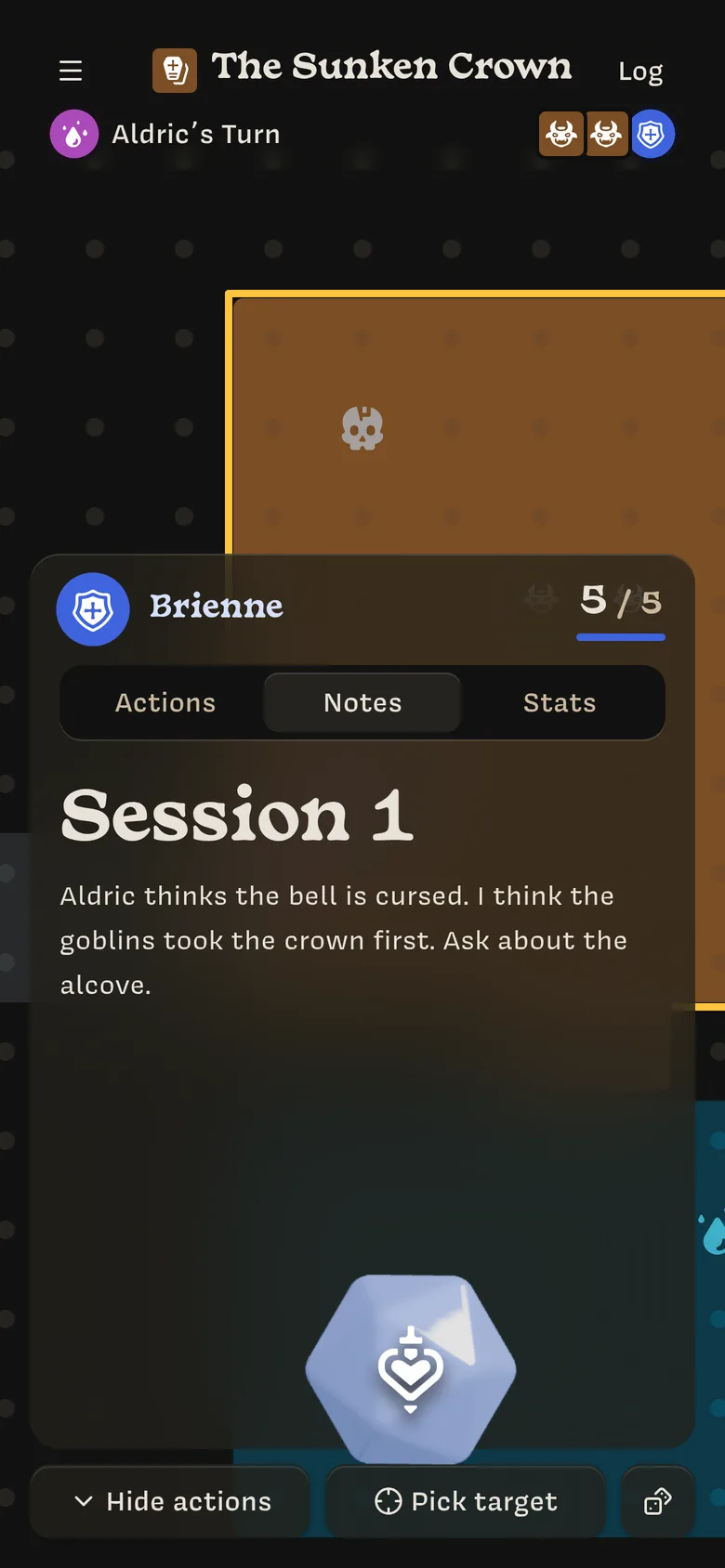
Your notes
Your journal is for your own notes. Nobody else sees it in Lore, but it isn’t protected yet: it’s sent to the Owner’s and other players’ devices too. Don’t write anything you’d mind them reading. See Who can see what.
- Tap + to add a page. Give it a title and write.
- Drag pages to reorder them.
- Archive a page from its ⋯ menu.
Shared with you
Notes your Owner shares appear here. When a note is shared, you also get a notification (The Sunken Crown shared a note) and an entry in the log. Tap either one to open the note.
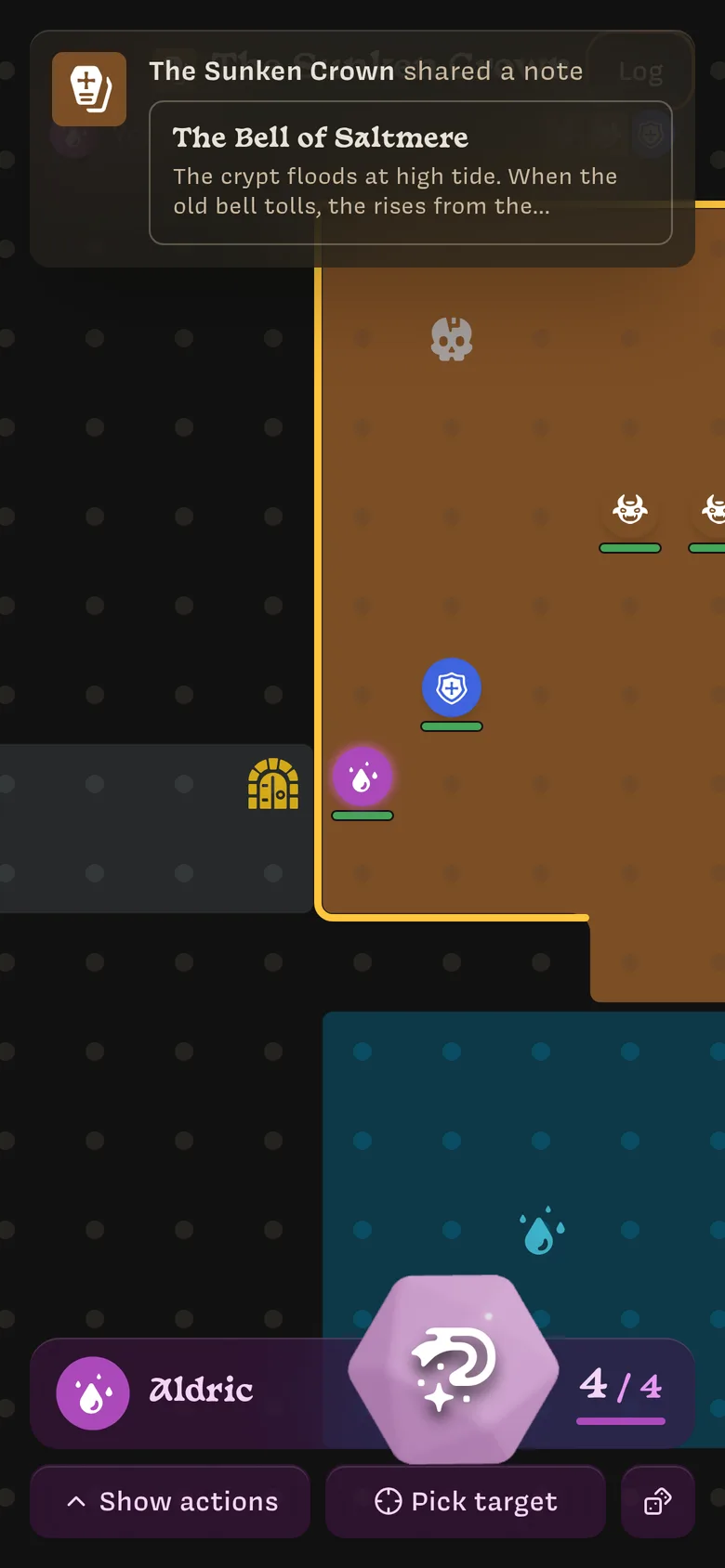
Shared notes are read-only and stay up to date. If the Owner edits a note after sharing it, you see the changes.
Last updated on