The log and your turn
The log
Tap Log in the top-right corner to see everything that has happened in the campaign, newest first: rolls, damage, healing, deaths, and shared notes.
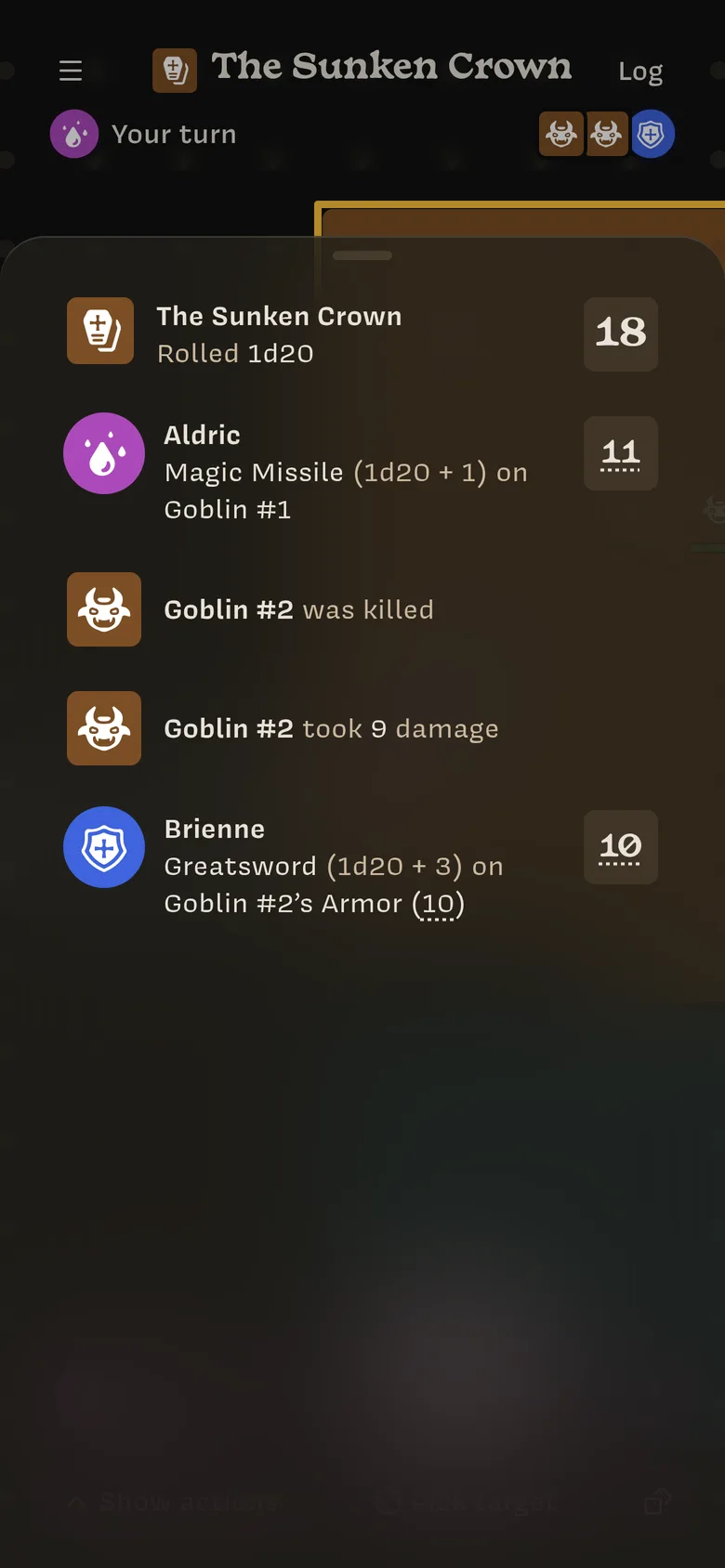
New entries also pop up as notifications at the top of the screen. Tap a number with a dotted underline to see how it was calculated. Tap a shared note to open it.
Taking turns
The turn order sits under the header:
- Your turn: it’s your go. The screen takes on your character’s color.
- Aldric’s Turn: someone else is acting. The small avatars show who’s next. Tap them to see the full order.
The Owner ends each turn. Your turn doesn’t end automatically when you roll.
If you’re removed from the turn order
The Owner can take you out of the turn order, for example if you step away. You’ll see You were removed from the turn order.
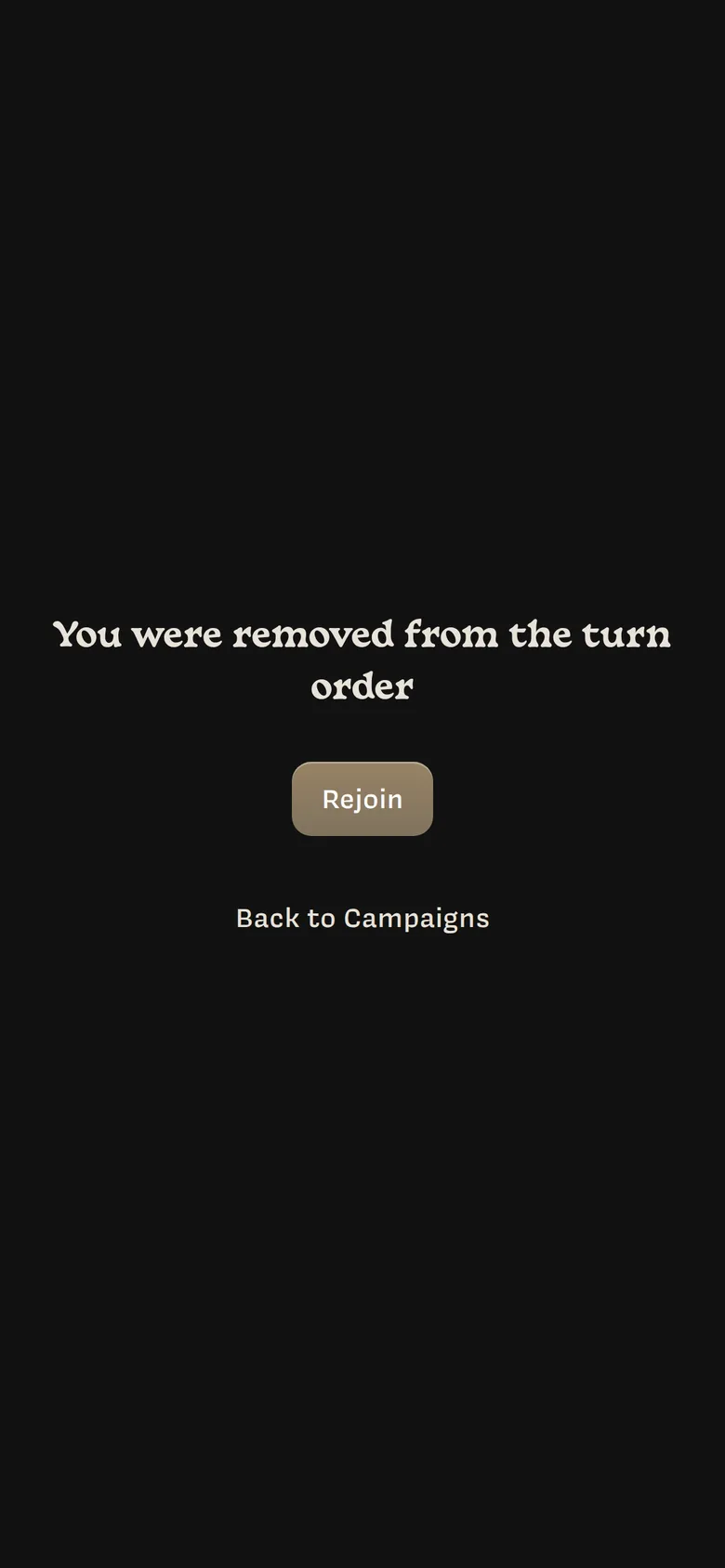
Tap Rejoin to get back in. If you’re away for 30 minutes or more, you rejoin automatically the next time you open the campaign.
Lore also takes you out of the turn order when you’ve been away for 30 minutes.
If your character dies
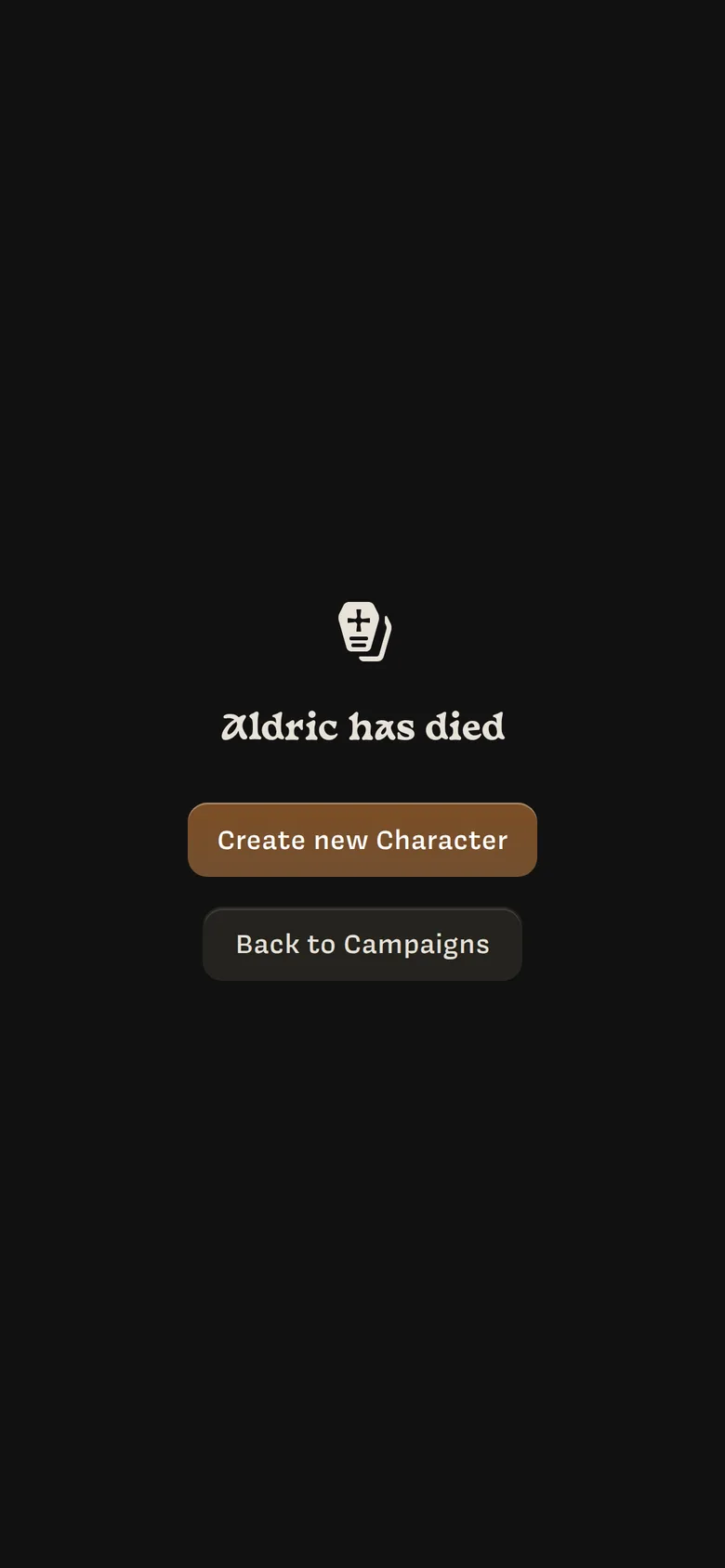
If your character is killed, you’ll see a death screen. Tap Create new Character to make a new one and keep playing, or Back to Campaigns.