Actions
An action is something a character can do: swing a sword, cast a spell, drink a potion. Actions live on characters, classes, and NPC templates. Players see their character’s actions on their phone and roll them by throwing the power crystal.
Every character can also make a plain Dice Roll (1d20) without an action.
The action card
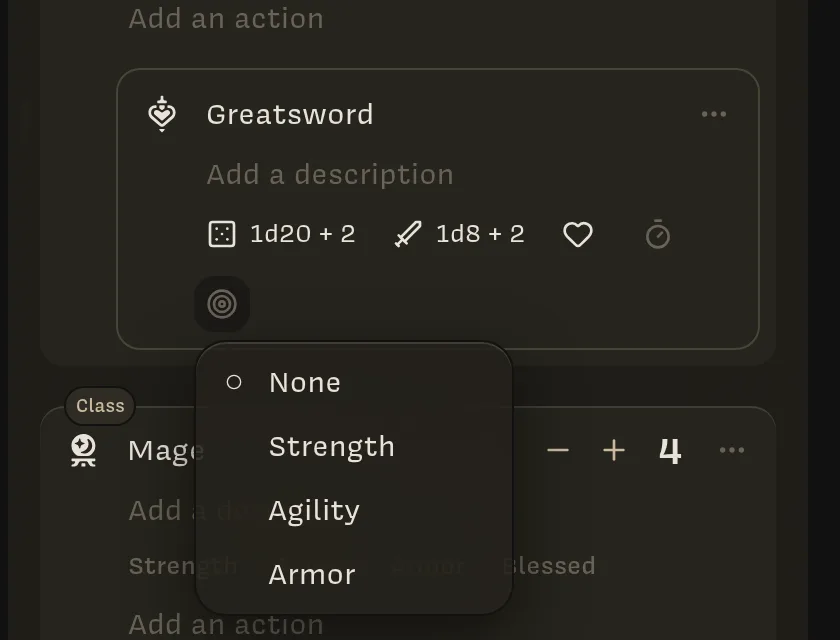
Each action has:
- a sigil; click it to search for another (Search sigils);
- a name and a description;
- a row of properties, each set by clicking its icon:
| Icon | Property | Tooltip | What it means |
|---|---|---|---|
| 🎲 | Roll | Requires die roll | A formula to roll, like 1d20 + @Strength |
| ⚔ | Damage | Deals damage | A formula for damage, like 1d8 + @Strength |
| ♥ | Heal | Restores health | A formula for healing |
| ⏱ | Count | Consumable | A plain number, such as uses left or ammunition |
| 🎯 | Target Stat | Target Stat | A Stat to compare the roll against, for each target. Available once Roll is set. |
An action with none of these is shown to players as a plain description. An action without a Roll formula still rolls 1d20 when used.
Writing formulas
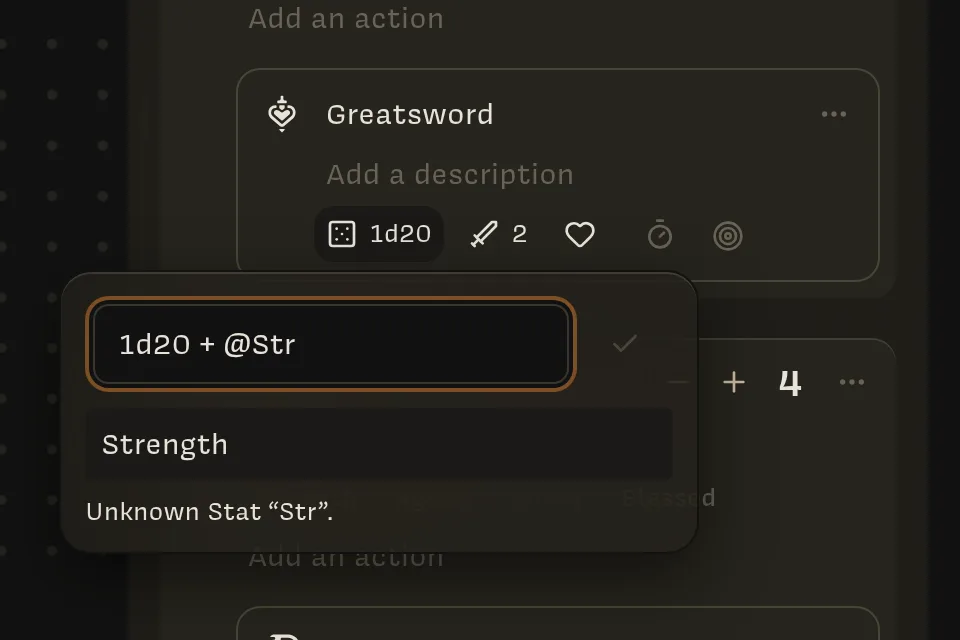
Click the Roll, Damage, or Heal icon to open the formula editor. Type a formula and press Enter or click ✓ to save.
![The formula editor containing 1d20 + [@Strength], with the preview 1d20 + 2 underneath](/_next/image?url=%2Fscreenshots%2Fowner-formula-editor.webp&w=3840&q=75&dpl=dpl_3nYg95CndhocEhKHtpUMfCrtVQ4h)
- Type
@to insert a Stat. A list of matching Stats appears; use ↑, ↓, and Enter to pick one. - Below the field, a preview shows the formula with the character’s Stat values
filled in, such as
1d20 + 2. - A formula with a mistake shows the problem (for example Unknown Stat “Str”.), and the icon shows Invalid formula until you fix it.
Some examples:
| Formula | Meaning |
|---|---|
1d20 | Roll one twenty-sided die |
1d20 + @Strength | Add the character’s Strength |
2d6 + 3 | Two six-sided dice plus 3 |
@Strength d6 | Roll as many d6 as the character’s Strength |
(@Level / 2)d8 | Half the character’s Level, rounded, in d8s |
1d8 + (1d6 if @Blessed) | An extra d6 only while Blessed is true |
The full rules, including rounding, limits, and critical hits, are in Formula syntax.
Target Stats
Choose a Target Stat to compare a roll against something on the target, like a roll to hit against the target’s Armor. Only number Stats can be Target Stats.
When the action is used, the log shows each target’s value next to the roll:
Brienne Greatsword (1d20 + 3) on Goblin #2’s Armor (10) — 10
Lore doesn’t decide whether the roll succeeds. You compare the numbers and apply the result.
Adding actions to a character or class
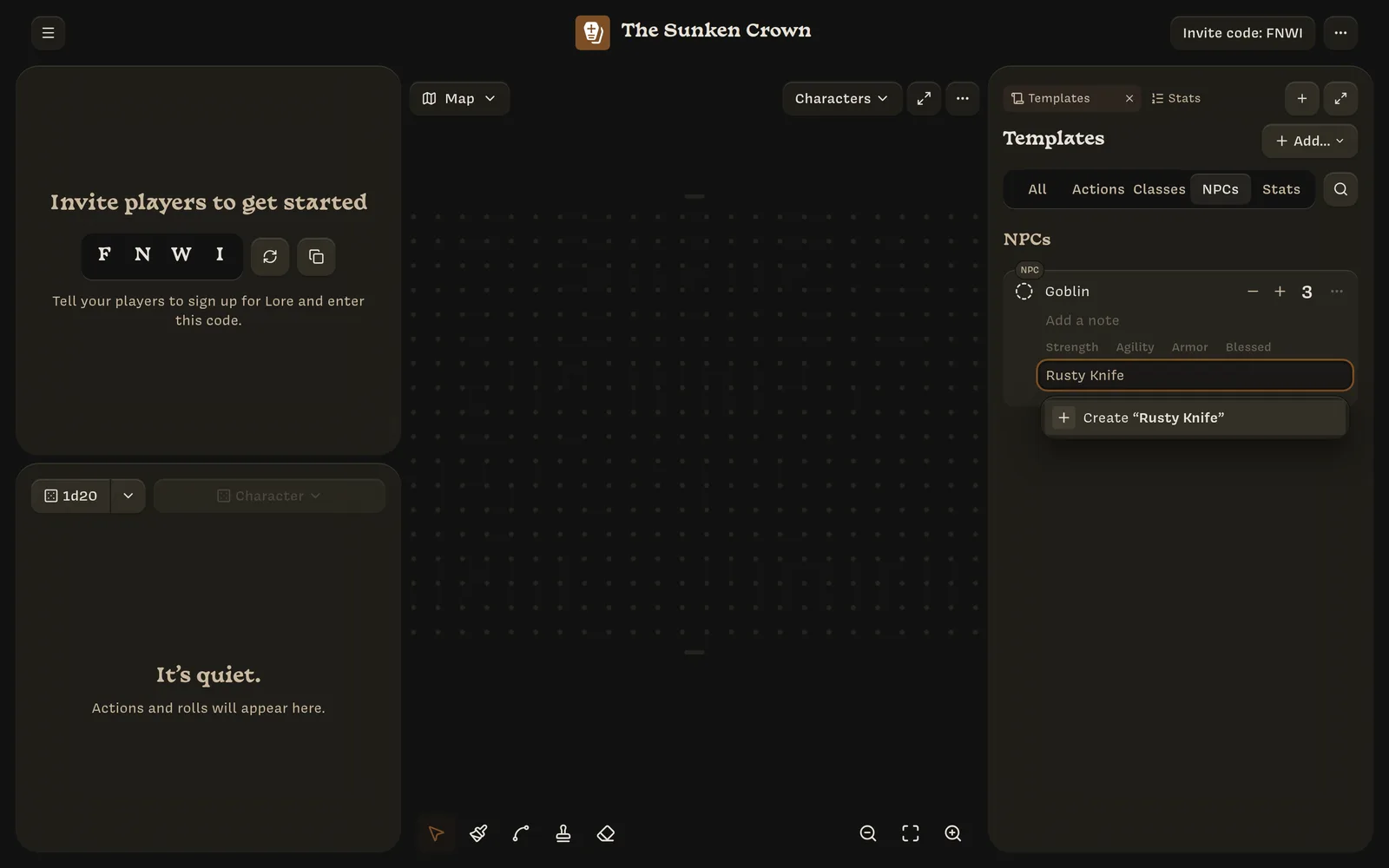
At the top of a character’s or class’s action list, type in the Add an action field:
- Create “name” makes a new action with that name;
- Create a blank action makes an unnamed one;
- Copy a template copies one of your Action templates.
Drag actions to reorder them. Each action’s ⋯ menu has:
- Copy to… ›, to copy the action to another character (Action copied to Brienne);
- Duplicate action, which makes Copy of Greatsword;
- Archive action.
Actions on a character are copies. Editing a class’s actions later doesn’t change characters that already have them.