Characters and NPCs
There are two kinds of characters:
- Player characters belong to a player. Players create them on their phone (see Creating a character). They appear as circles.
- NPCs (non-player characters) are everyone else: monsters, allies, shopkeepers. You create and control them. They appear as squares.
Every character has a name, a sigil and color, health, a value for each Stat, a note, and a list of Actions.
Edit a character
Click a character’s row in the turn order, their token on the map, or their name anywhere it’s mentioned. The character opens in a right-panel tab.
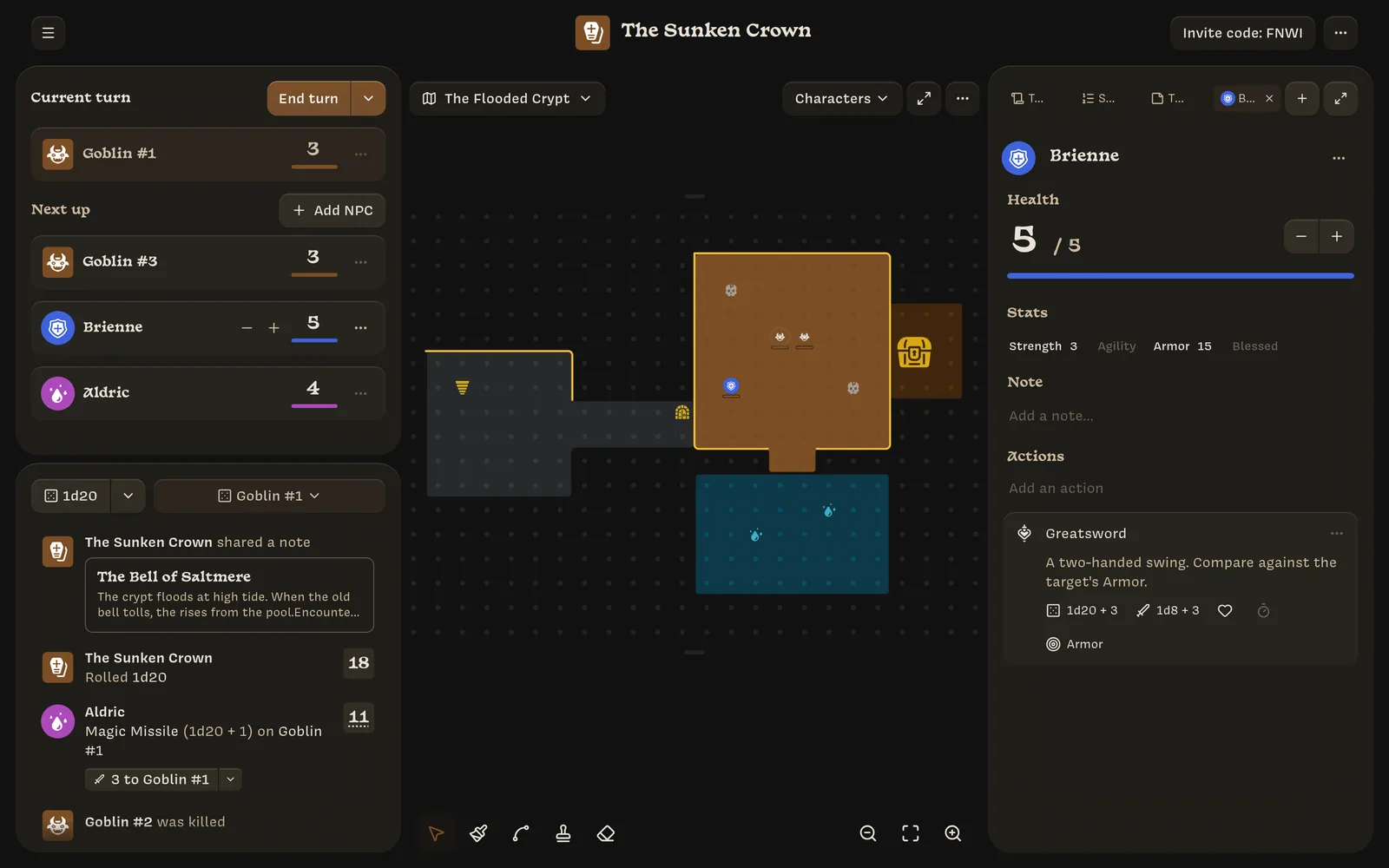
- Appearance: click the avatar to change the sigil and color.
- Name: click to edit.
- Health: the large number is current health and the smaller one is maximum health. Both are editable, and − and + adjust current health. Lowering maximum health below current health lowers current health too.
- Stats: this character’s value for each Stat.
- Private note: notes for you. Players don’t see it on their character sheet, but it isn’t protected yet. See Who can see what.
- Actions: add, edit, reorder, and remove actions.
You can also change health from the turn order: hover over a row’s health to show − and +. When you change health for a character in the turn order, the log records it (for example Goblin #1 took 2 damage). Quick clicks within half a second combine into one entry.
Create NPCs
- From a template: use Add NPC in the turn order, the spawn menu on the map, or a template mention in a note. See Templates.
- From scratch: in the same places, choose Create a blank NPC or Create “name”.
- From the right panel: + → New NPC creates an NPC template, not an NPC.
NPCs created from a template are copies. Editing the template later doesn’t change NPCs that already exist.
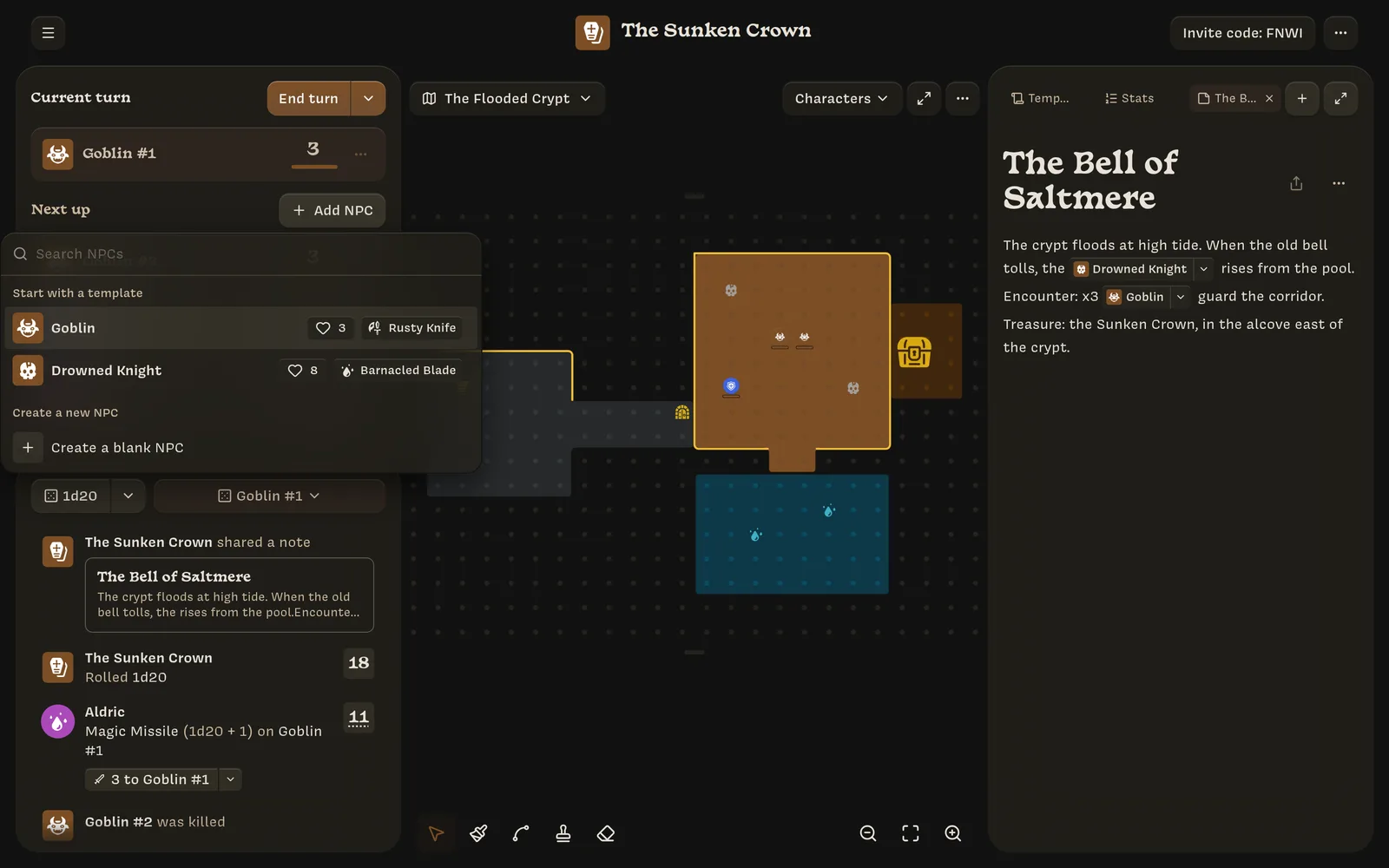
The character menu
The ⋯ on a turn-order row, a character tab, or a token opens the character menu:
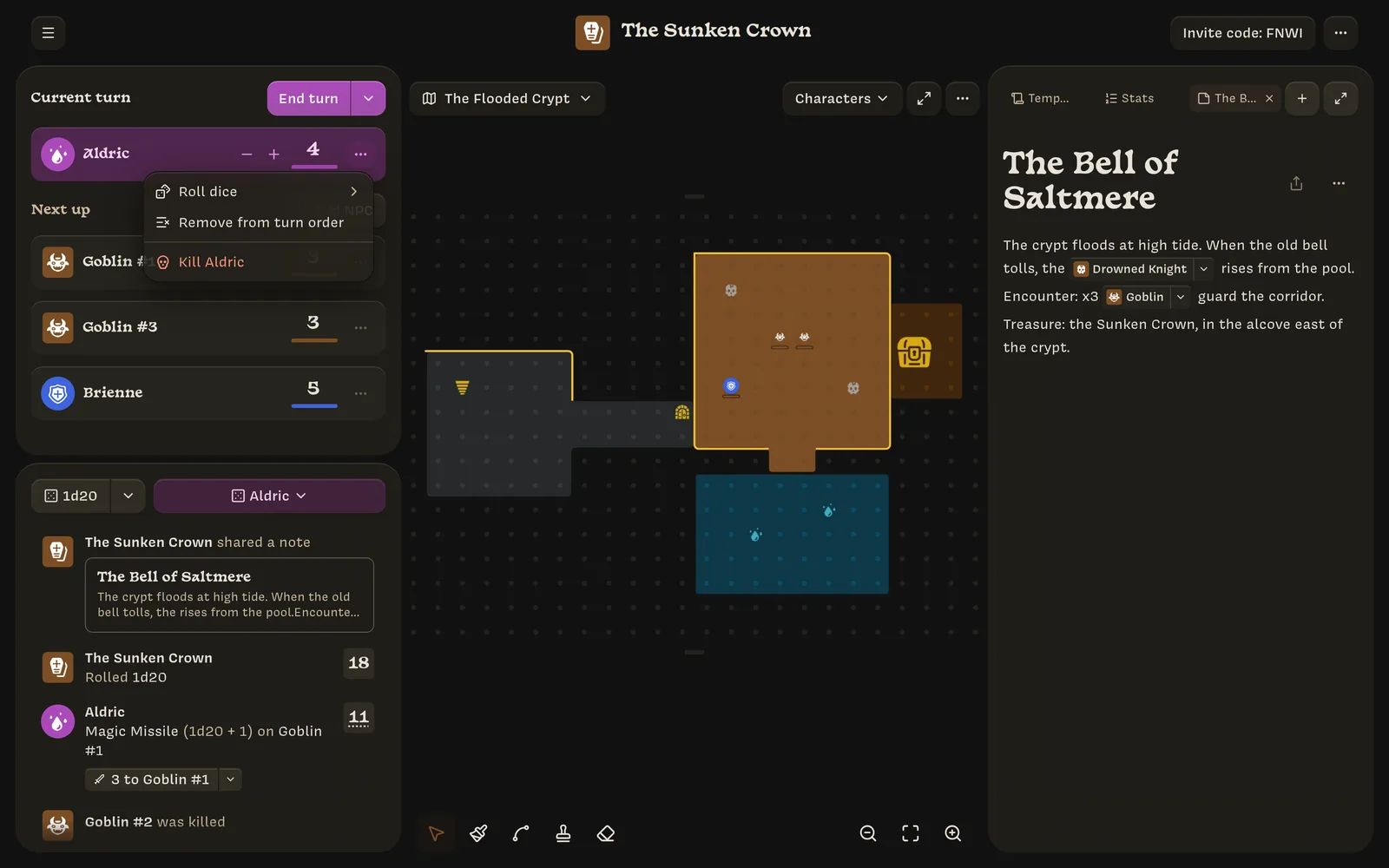
- Roll dice ›: roll one of the character’s actions, or a plain 1d20.
- Edit character
- Size ›: 1x1, 2x2, or 3x3 (tokens only).
- Make current turn: move this character to the top of the turn order.
- Remove from turn order: player characters only. See Turn order.
- Send to map ›: move the token to another map.
- Kill
Killing characters
- NPCs are killed immediately. You’ll see NPC killed, and they leave the turn order and the map. Kill all NPCs in the End turn menu kills every NPC in the turn order at once.
- Player characters ask for confirmation first, because this can’t be undone. The player sees a death screen and can create a new character. See If your character dies.
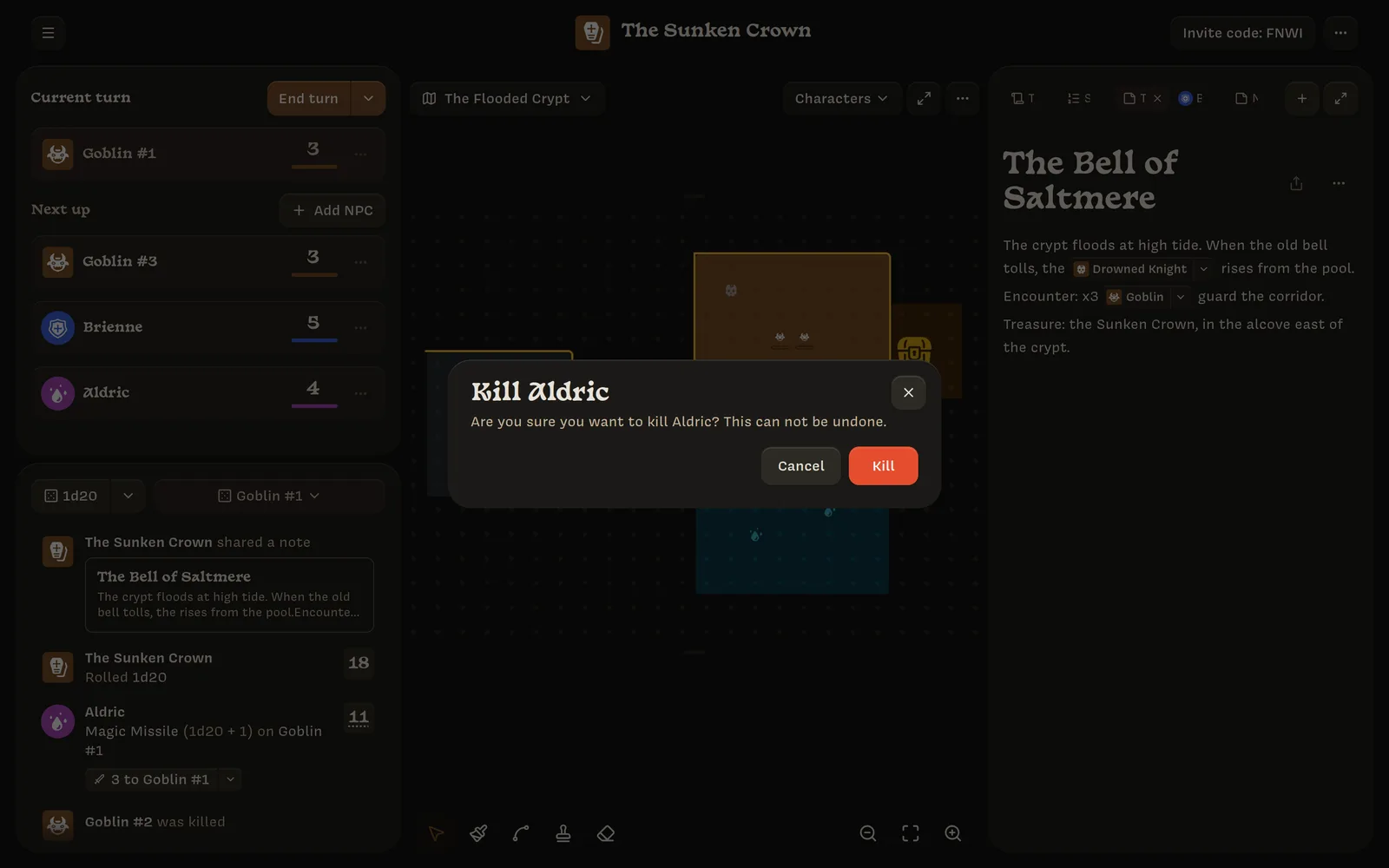
When damage from the log brings someone to 0 health, the log offers a Kill button. See The log.
Killing a character archives it and posts a was killed entry to the log. Their history stays in the log.