Stats
Stats are your campaign’s attributes, like Strength, Armor, or Blessed. Stats are optional. You define them once for the whole campaign, and every character has a value for each one.
A Stat holds either:
- a number: a whole number from −9,999 to 9,999; or
- true or false, for conditions like Blessed or Invisible.
Stats hold plain values only. Dice and calculations belong in
Actions, which can use Stats in their formulas, like
1d20 + @Strength.
Add a Stat
Open the Stats list from the right panel (+ → New stat, or View all next to Stats), then click Add Stat.
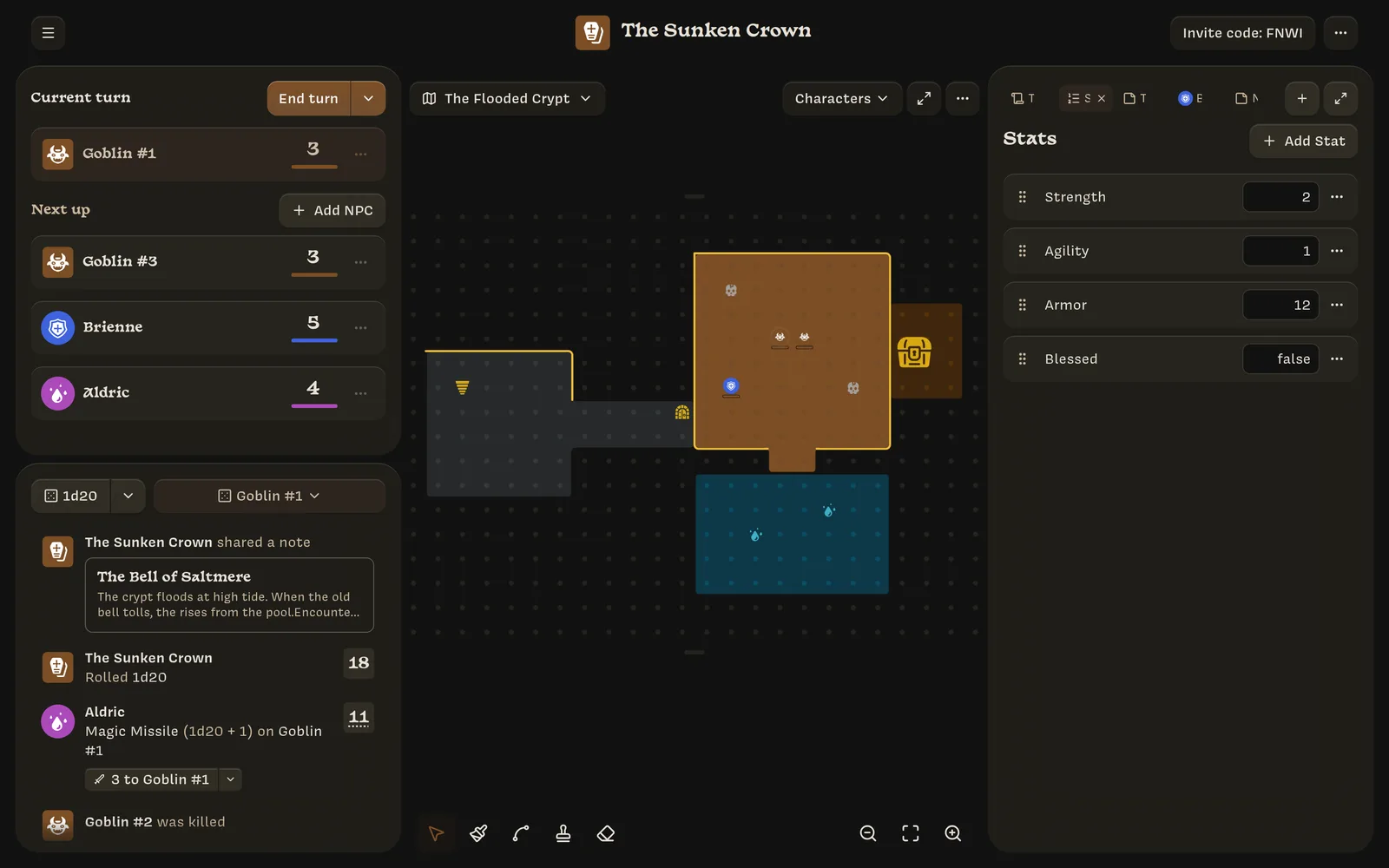
A new row appears at the top. Type a name and a starting value. The Stat saves when you click away or press Enter, as long as both are valid. Press Esc or click ✕ to discard it.
The starting value decides the Stat’s type. Type a number for a number Stat, or
true or false for a true-or-false Stat.
Edit, reorder, and delete
- Rename a Stat or change its default value in its row. Names must be unique and can’t contain brackets.
- Reorder by dragging the ⋮⋮ handle, or focus the handle and press ↑ or ↓. The order here is the order everywhere else.
- Delete with the row’s ⋯ → Delete Stat. You can’t delete a Stat that an action uses. The menu lists which actions use it (Used by: Greatsword), so you can update them first.
How characters get their values
Every character has every Stat. When a character is created, each value comes from:
- the character’s Class or NPC template, if it sets that Stat (overrides); otherwise
- the Stat’s default value.
After that, the character’s values are theirs. Changing a default or a template later doesn’t change existing characters. Edit a character’s values in their character tab.
A Stat’s type is locked once an action uses it, a character has a saved value for it, or a template overrides it. The message is This Stat’s type is locked by existing Actions or saved values.
Rules at a glance
| Rule | Detail |
|---|---|
| Types | Whole numbers, or true/false |
| Range | −9,999 to 9,999. Values outside the range are clamped to the nearest limit. |
| Names | Unique. No [ or ]. Unnamed Stats become Untitled Stat, Untitled Stat 2, and so on. |
| Deleting | Not allowed while an action uses the Stat |
| What players see | The Stats tab on their sheet, which hides true-or-false Stats that are false |
Error messages you might see:
- Enter an integer, true, or false.
- This stat must be true or false.
- This Stat requires an integer.
- Stat names cannot contain brackets.
- A Stat with this name already exists.