Owner quickstart
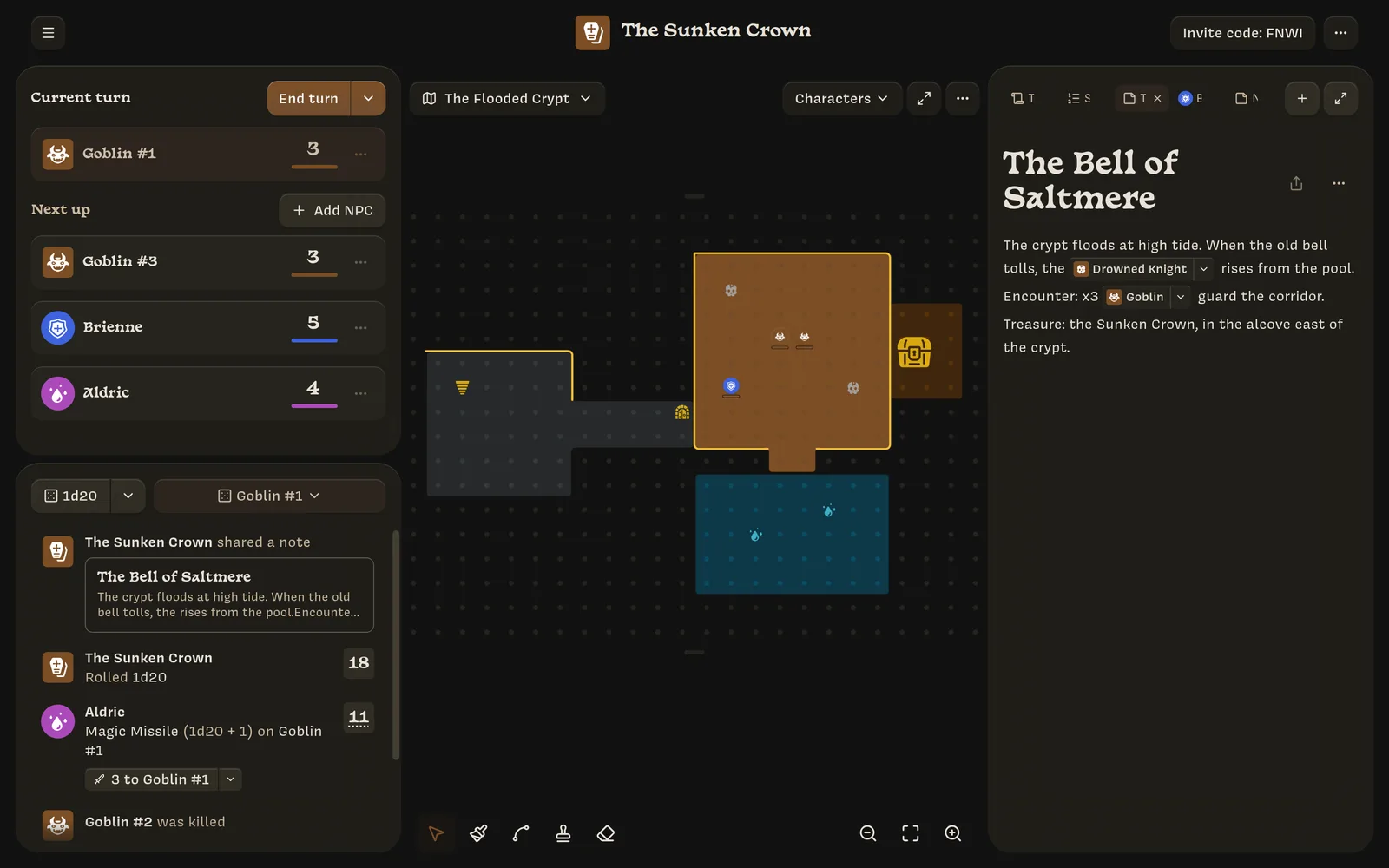
As the Owner you run the campaign: you build the world, invite the players, control the NPCs, and decide what happens when dice are rolled. Owners use Lore on a computer.
This page walks through a first session from start to finish. Each step links to a page with more detail.
Create a campaign
On the home screen, click Create campaign and choose a name, a sigil, and a color. More about campaigns →
Set up the rules you need
Lore doesn’t come with a rules system. You add as much as your game needs:
- Stats such as Strength or Armor. Every character has every Stat.
- Classes that players pick when they create a character. New campaigns come with a Fighter and a Mage to start from.
- NPC templates for the monsters and people your players will meet.
- Actions with dice formulas, like
1d20 + @Strength.
You can skip all of this and play with plain dice rolls.
Draw a map
Every campaign starts with an empty map. Paint rooms, draw walls, and stamp sigils for doors, stairs, and treasure. More about maps →
Invite your players
Click Invite code in the top bar and share the six-character code. Players enter it on their phones and create a character. More about inviting →
Put everyone on the map
Drag characters from the turn order onto the map. Click an empty space to add NPCs, such as three goblins from a template. More about characters and NPCs →
Play
Players take turns rolling from their phones. Results appear in your log, where you apply damage and healing with one click. Press ⌘ Enter (or Ctrl Enter) to end each turn. More about turn order →
Share what they discover
Write notes as you prepare. When players uncover something, share the note and it appears on their phones.