Import and export
You can save a campaign’s content to a file and load it into another campaign, for example to reuse a dungeon or share your monsters with another Owner.
Both options are in the ⋯ Campaign options menu in the top-right corner.
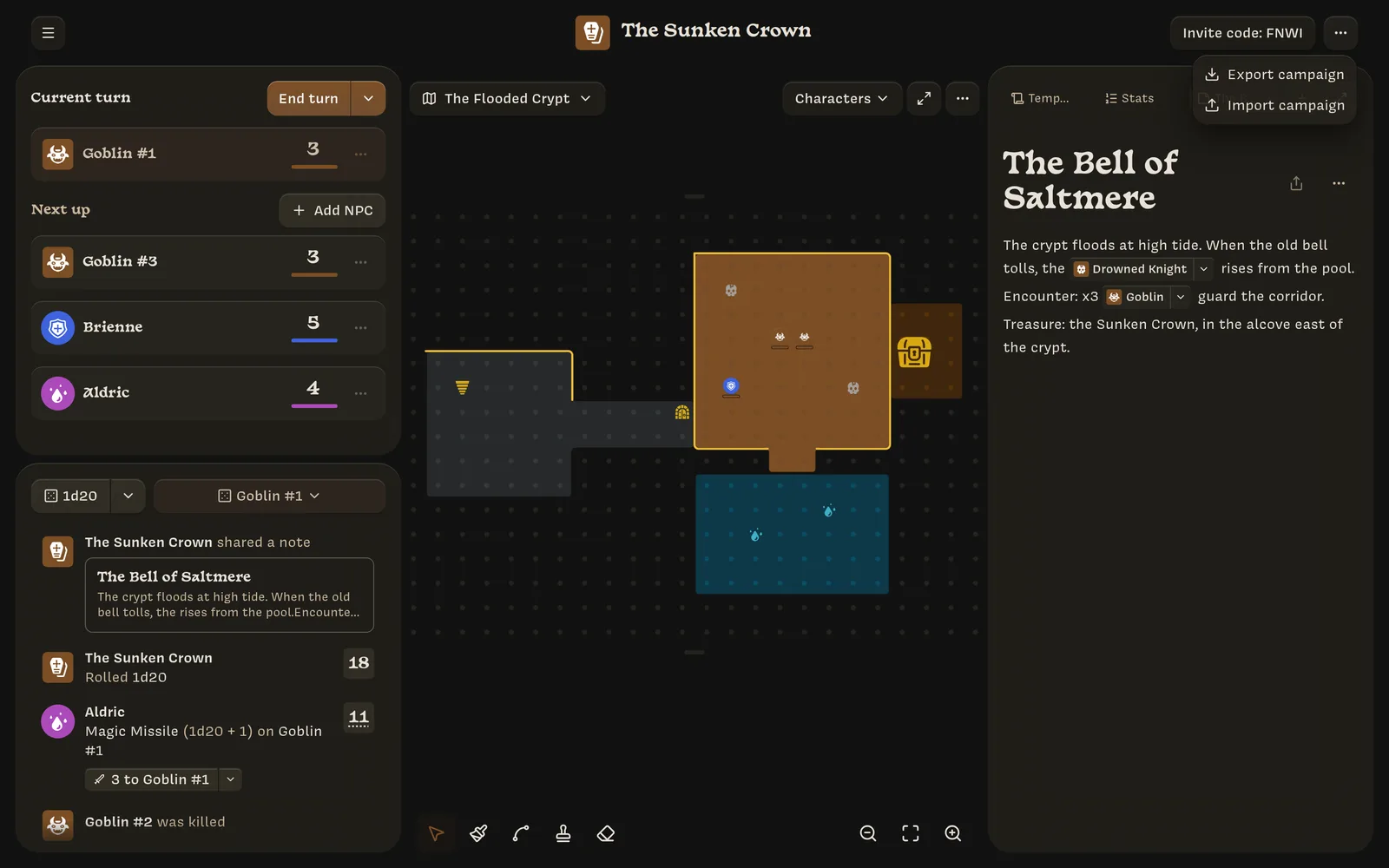
Export
Export campaign downloads a file named like
The Sunken Crown-export-2026-09-25.json, and you’ll see
Exported campaign (12 items).
The file includes:
- notes;
- templates: classes, NPCs, actions, and Stats;
- maps;
- NPCs.
Player characters aren’t exported, because they belong to your players.
Import
Import campaign asks for an export file (up to 50 MB). If nothing clashes with what’s already in the campaign, everything is added right away: Imported campaign (12 items).
If an imported note has the same title as an existing note, or a template has the same name as an existing template, you’ll see an Import Conflicts dialog. For each conflict, choose:
- Keep existing: skip the imported item;
- Replace: overwrite the existing item;
- Import as copy: keep both.
Then click Import.
Mentions inside imported notes are reconnected to the right templates, including the copies you chose to make.
Errors you might see:
- File too large. Maximum size is 50MB
- Invalid import file, when the file isn’t a Lore export
- Failed to read file or Failed to import data