Turn order
The turn order panel, in the top-left corner, shows whose turn it is (Current turn) and who acts after them (Next up). Each row shows the character’s avatar, name, and health.
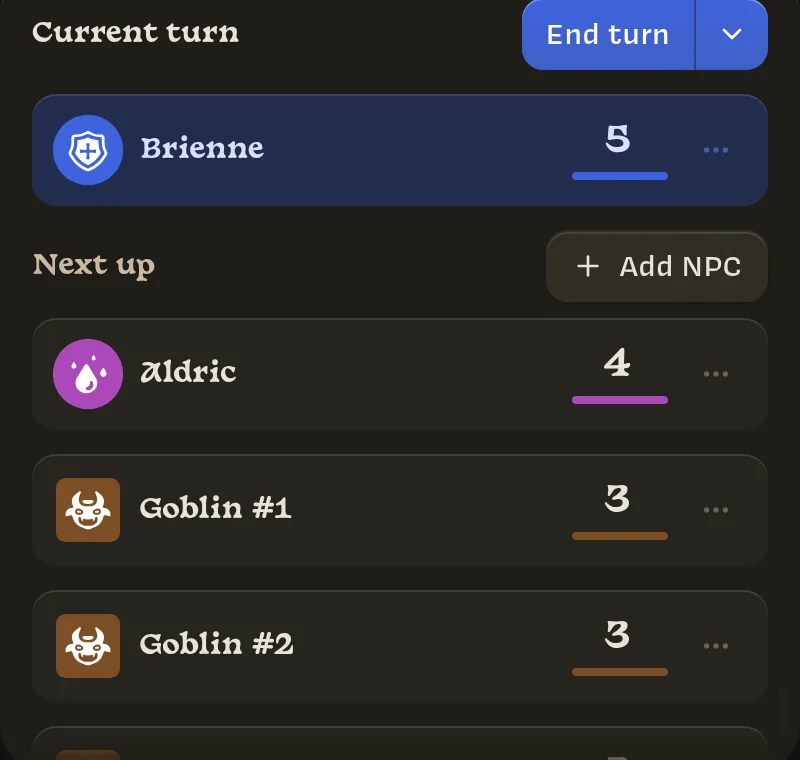
Who is in the turn order
You don’t add people to the turn order by hand. Lore works it out:
- Players are in while they have the campaign open. They drop out after 30 minutes away and rejoin automatically when they come back.
- NPCs are in while their token is on a map where a player’s token is.
- NPCs without a token, added with Add NPC in this panel or Add to turn order on a template, are in whenever at least one player is.
So if you move the party to a new map, the NPCs on the old map leave the turn order, and the NPCs waiting on the new map join it.
The turn order is kept up to date by whoever is connected, with the Owner taking priority. If you close Lore, a player’s device takes over until you’re back.
Ending turns
Click End turn or press ⌘ Enter (Mac) or Ctrl Enter (Windows and Linux) to move to the next character. The shortcut works from anywhere, except while you’re typing in a text field. The button takes on the current character’s color.
The ▾ next to End turn has more options:
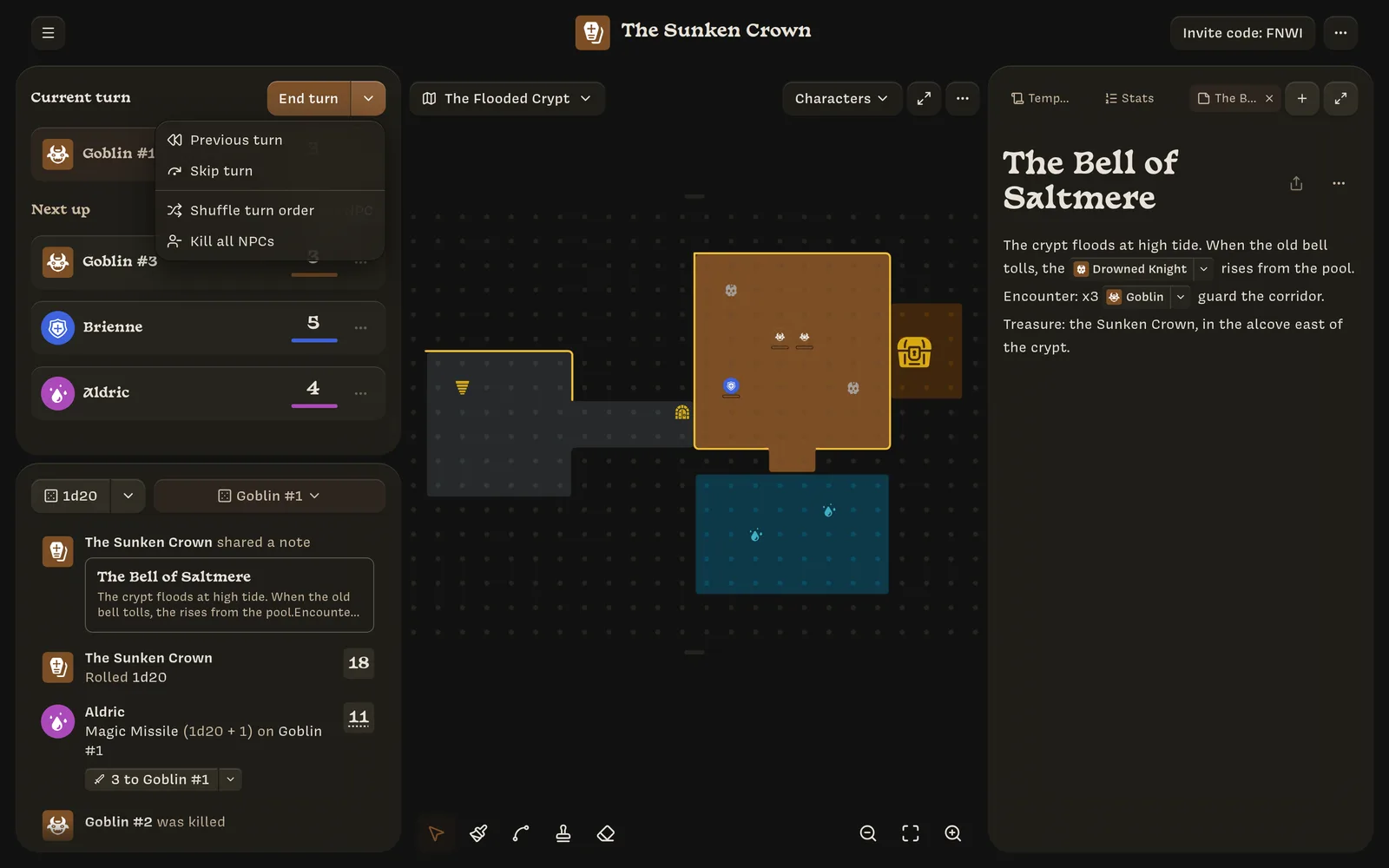
- Previous turn: go back one.
- Skip turn: the same as End turn.
- Shuffle turn order: randomize the order.
- Kill all NPCs: end an encounter in one click.
To jump to a specific character, open their ⋯ menu and choose Make current turn.
Every turn change clears the faded ghost tokens that show where characters started their turn.
Adding NPCs
Add NPC (next to Next up) appears once at least one player is in the turn order. Search for:
- Saved NPCs off map: NPCs you took off a map earlier;
- Start with a template: your NPC templates, with their health and actions;
- Create a new NPC: a blank NPC, or one named after what you typed.
Pick one to preview it, then click Add. Use the ▾ to add up to 10 at once. NPCs added here don’t get a token; to put them on a map, drag their row onto it. To add NPCs straight onto a map, click an empty space instead.
Removing someone
- Remove a player: open their ⋯ menu and choose Remove from turn order. This pauses their session. Their phone shows You were removed from the turn order with a Rejoin button. They also rejoin automatically if they come back after 30 minutes away. This doesn’t remove them from the campaign; to do that, kick them.
- Remove an NPC: kill it from the ⋯ menu, or take its token off the map to save it for later.