Lore
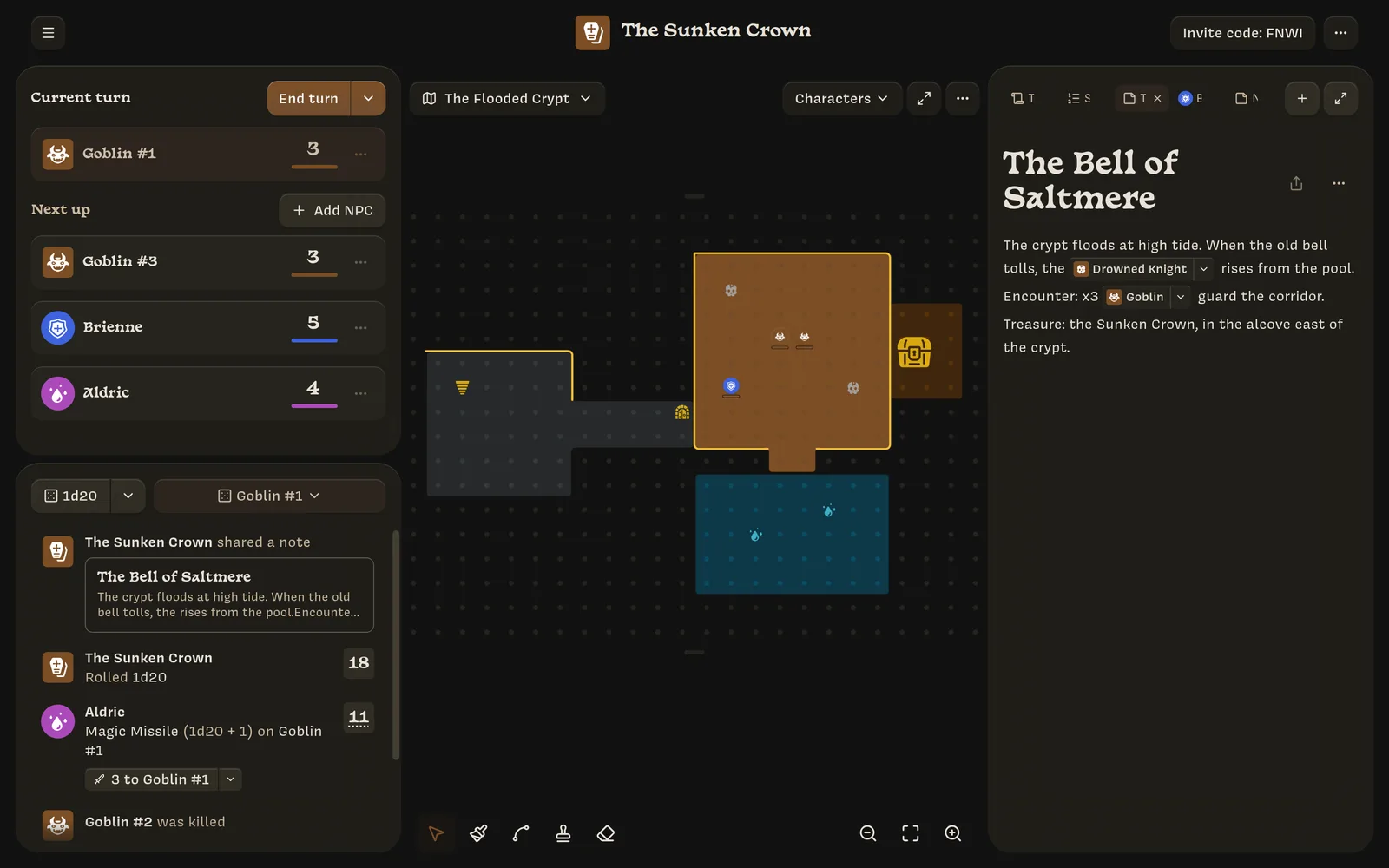
Lore is a shared table for tabletop storytelling. One person, the Owner, runs a campaign from a computer: they draw the maps, write the notes, set up characters and monsters, and keep track of turns. Everyone else joins as a Player from their phone. Players control one character, roll by throwing a 3D die, and see the story unfold as it happens.
Changes show up for everyone right away. When a player rolls, the Owner sees it in the log. When the Owner moves a monster, the players see it move on their map.
Who these docs are for
- Owners should start with the Owner quickstart, then read the pages under Running a campaign as needed.
- Players only need the Player quickstart. The other pages under Playing go into more detail.
- The Reference section covers action formulas, keyboard shortcuts, and other details for both.
The two roles
| Owner | Player | |
|---|---|---|
| Device | A computer | A phone |
| How you get in | Create a campaign | Enter the campaign’s six-character code |
| What you control | Everything: maps, NPCs, notes, rules | Your own character |
| Rolling | The log panel, or a token’s menu | Throw the power crystal |
| Applying damage and healing | Yes | No, the Owner applies them |
Which screen you see depends on your role in that campaign, not on your device. If you own a campaign, it always opens in the Owner layout. If you joined it, it always opens in the Player layout. You can own some campaigns and play in others with the same account.
The home screen does depend on screen size. On a computer it lists only the campaigns you own. On a phone it lists only the campaigns you’ve joined, along with the join-by-code screen. See Getting started.
An example campaign
The screenshots in these docs follow one small campaign, The Sunken Crown. It has:
- two players: Brienne, a Fighter, and Aldric, a Mage;
- a map called The Flooded Crypt;
- four Stats: Strength, Agility, Armor, and Blessed;
- two NPC templates: Goblin and Drowned Knight.