Creating a character
The first time you open a campaign, you create your character.
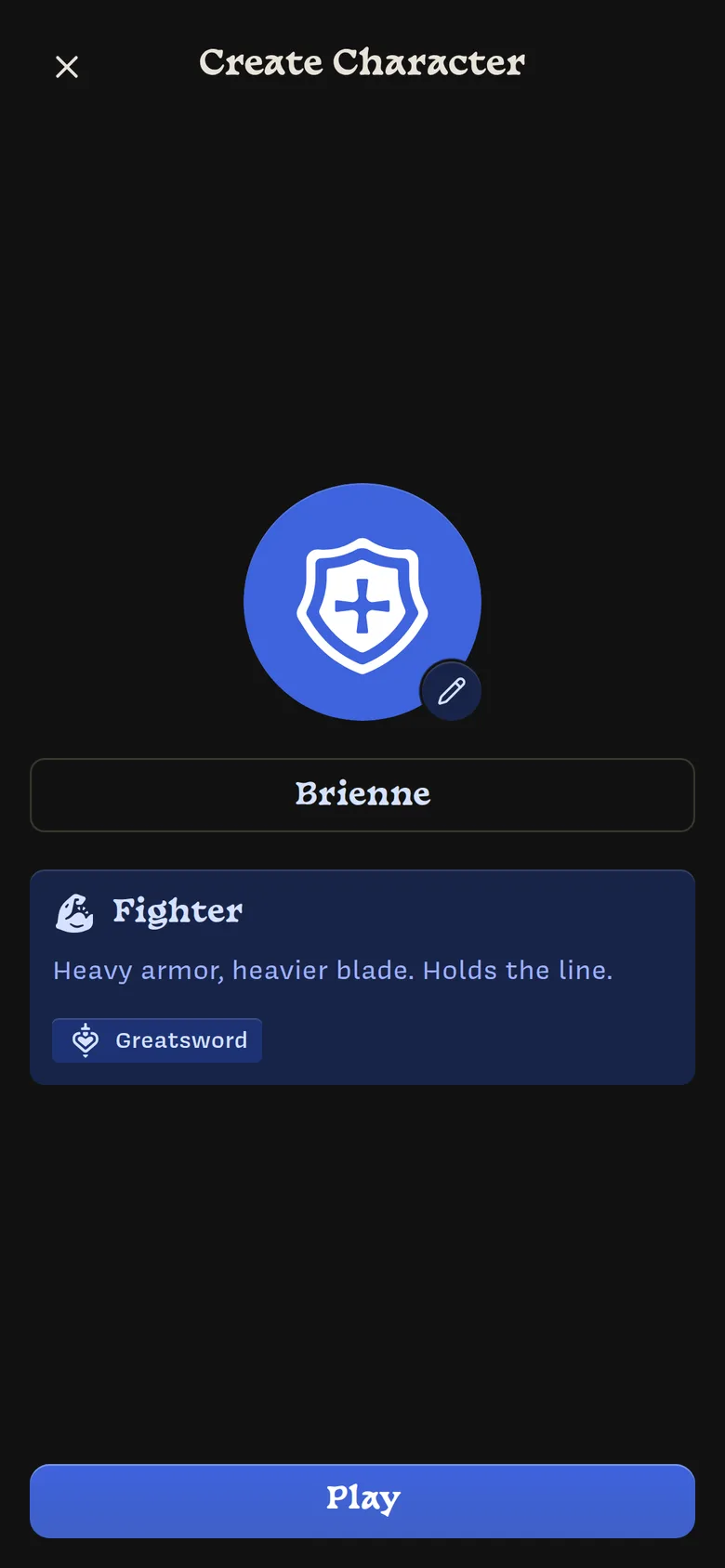
Name
Type your character’s name in the Character Name box.
Class
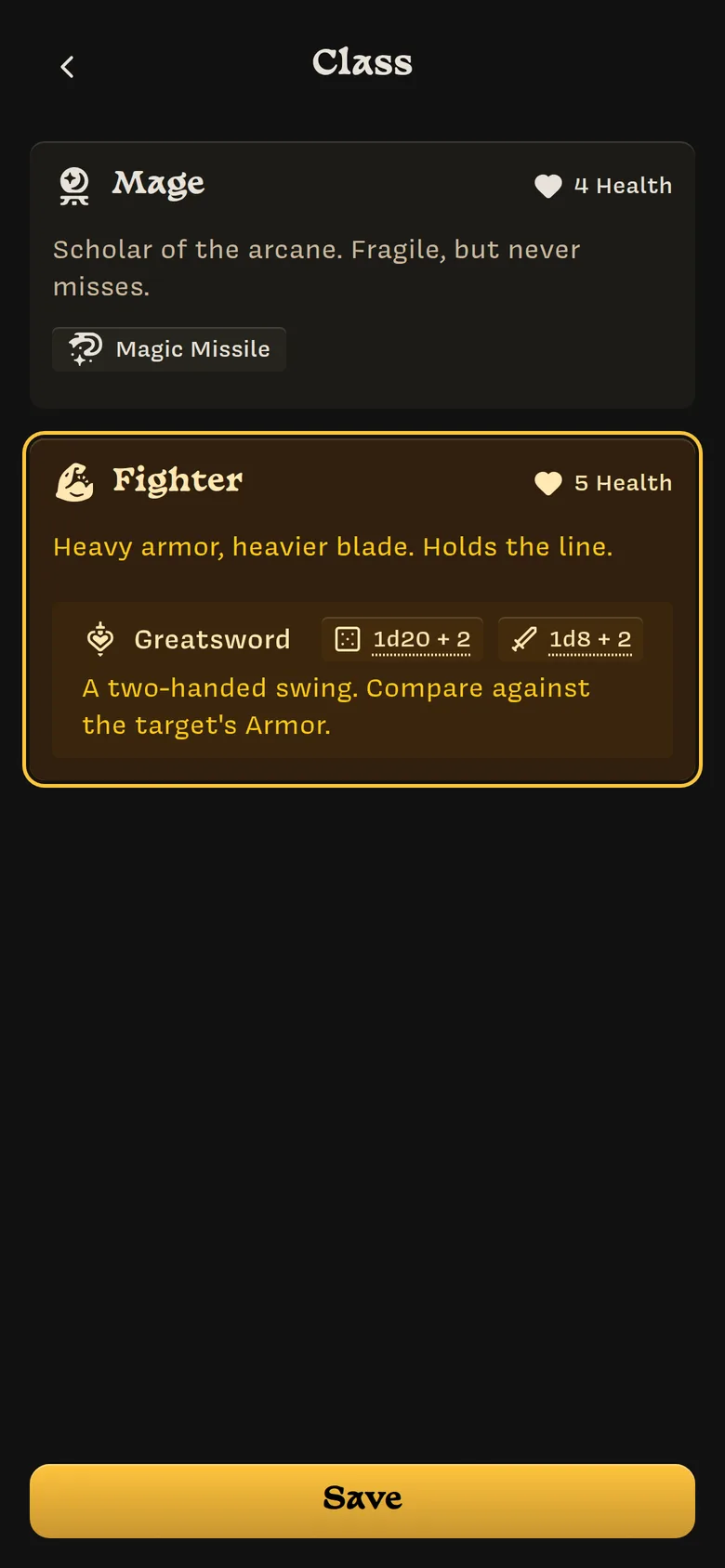
If your Owner has set up classes, tap Choose Class. Each class shows its health, description, and actions. Tap one to select it and tap Save.
Your class sets your starting health, Stats, and actions. After that, your character is your own: if the Owner later changes the class, your character doesn’t change.
If the campaign has no classes, skip this step.
Heraldry
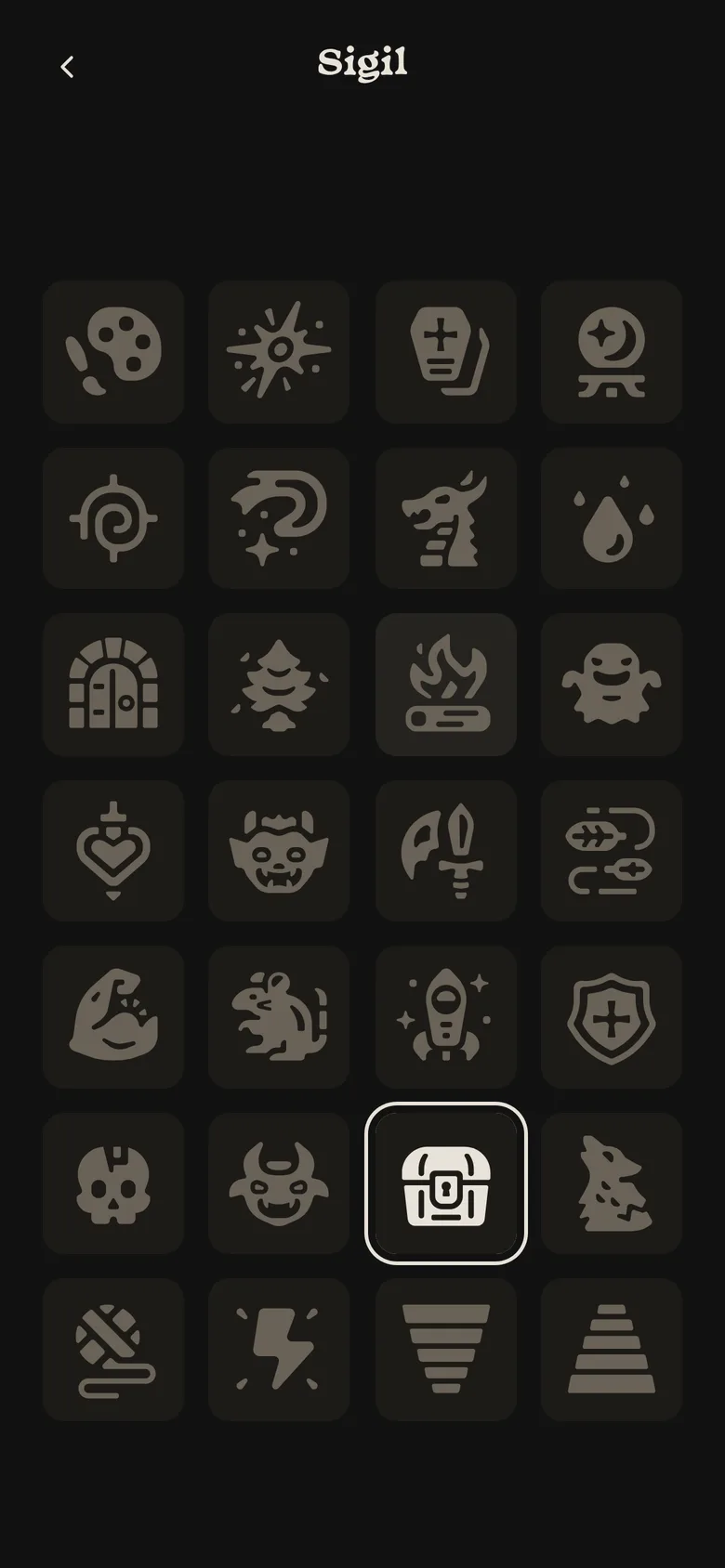
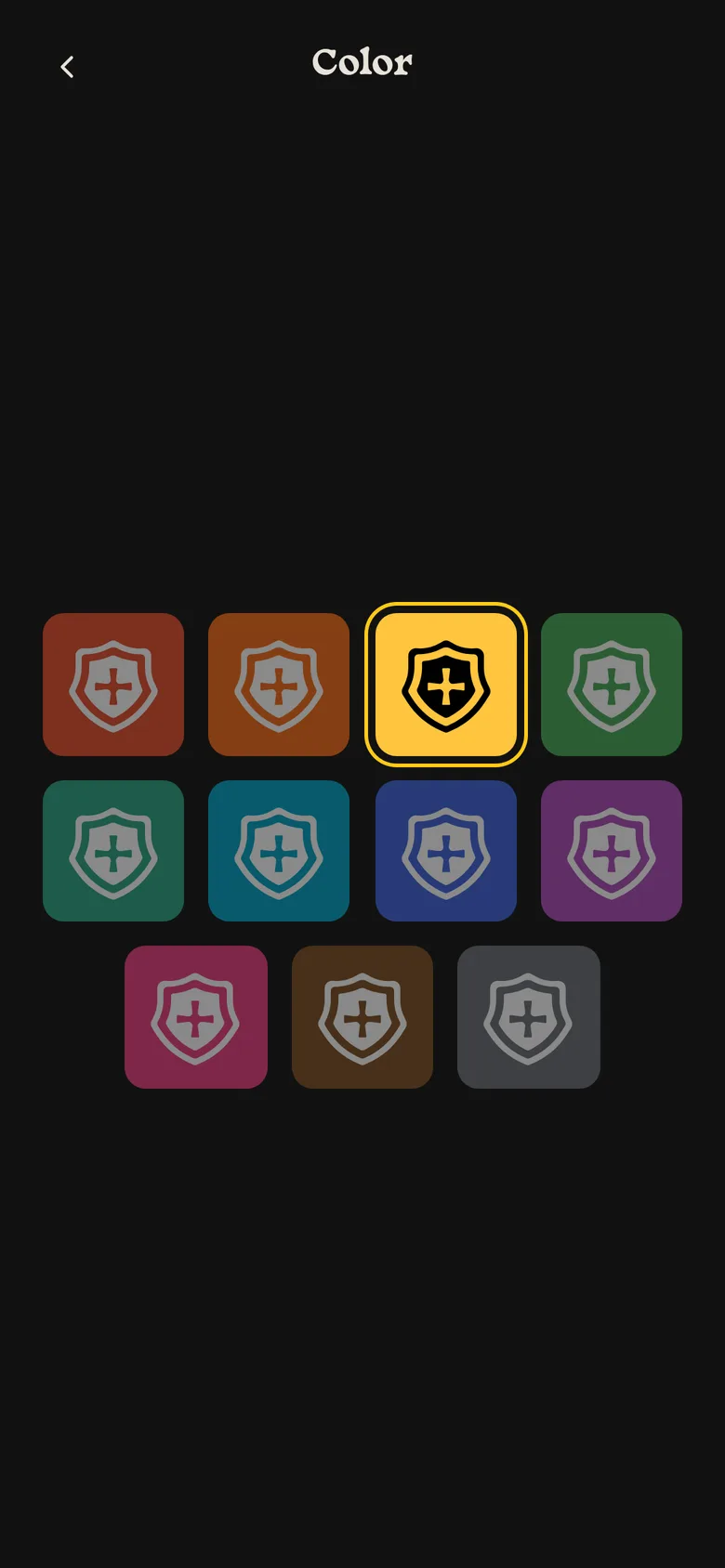
Your sigil and color identify your character on the map, in the turn order, and in the log. A random pair is chosen for you. To change it, tap the large circle or its ✏️ button, pick a sigil, then pick a color.
Play
Play turns on once you have a name, and a class if the campaign has classes. Tap it to enter the campaign.
Your choices are saved as you go, so you can close Lore partway through and pick up where you left off.