Player quickstart
As a Player you control one character in someone else’s campaign. You play from your phone.
Get the code
Ask your Owner for the campaign’s six-character code, like K7M4QX.
Join
Open Lore on your phone, sign in, and type the code. The campaign’s name appears. Tap Join. More about joining →
Create your character
Pick a name, a class, and a sigil and color, then tap Play. More about characters →
Take your turn
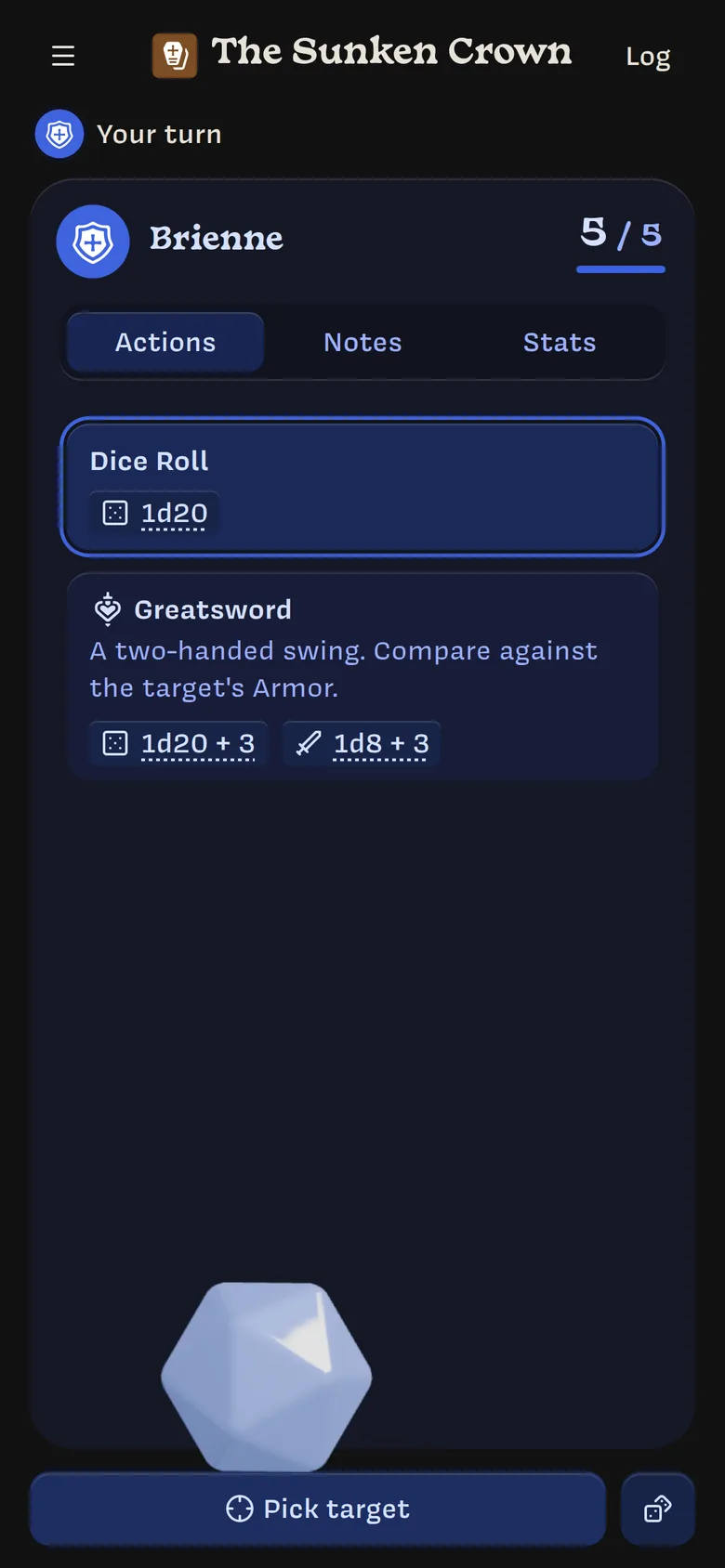
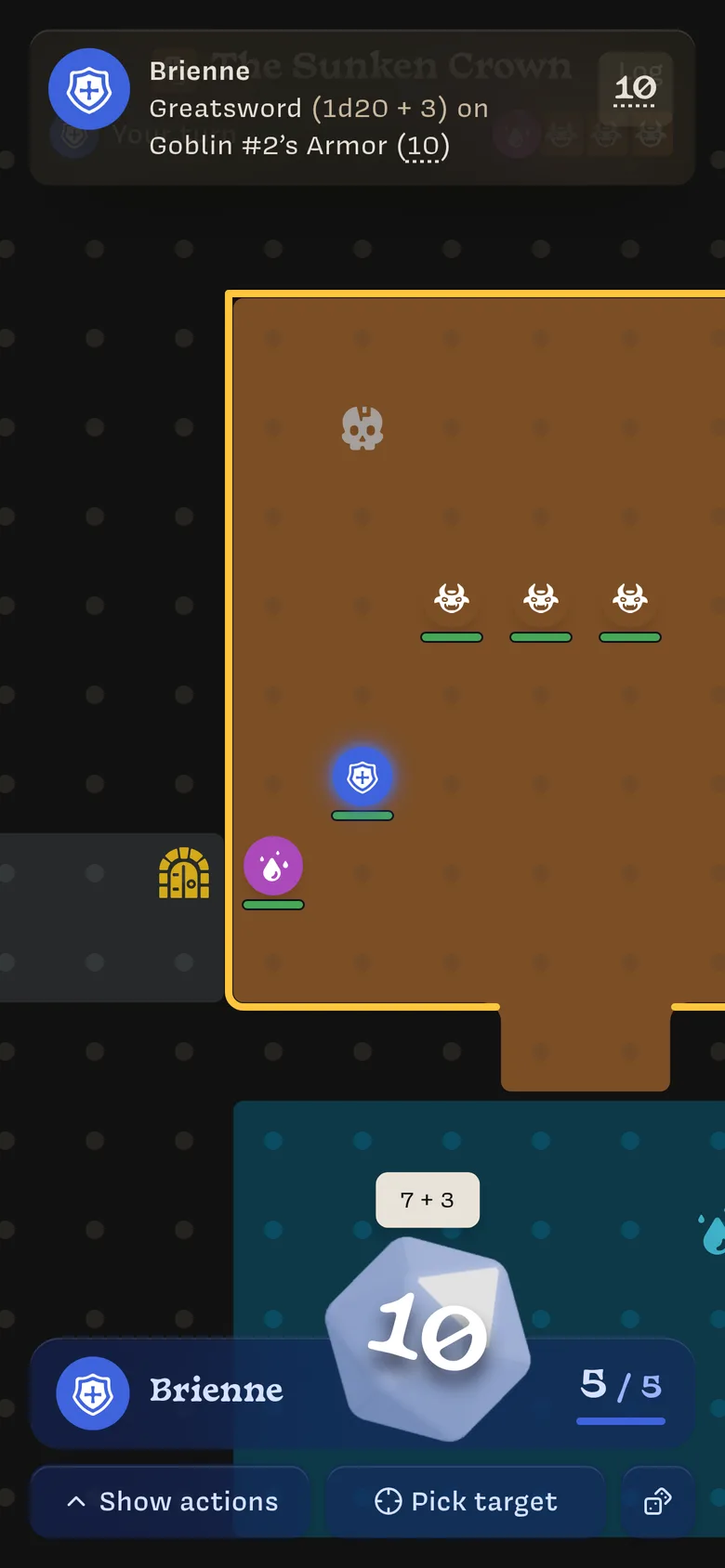
When it’s your turn, the top of the screen says Your turn and takes on your color. Choose an action, pick a target, and throw the power crystal to roll. More about rolling →
Keep an eye on the log
Every roll, hit, and heal shows up as a notification and in the Log. More about the log →
Good to know
- The Owner applies the results. Your roll shows what happened; the Owner decides whether it hits and applies damage or healing.
- You’ll see what your character sees. On a map, you see the NPCs on your map.
- Your character is saved in the campaign, not on your phone. Sign in on another device and pick up where you left off.
- You can install Lore to your home screen. See Install Lore on your phone.
Last updated on